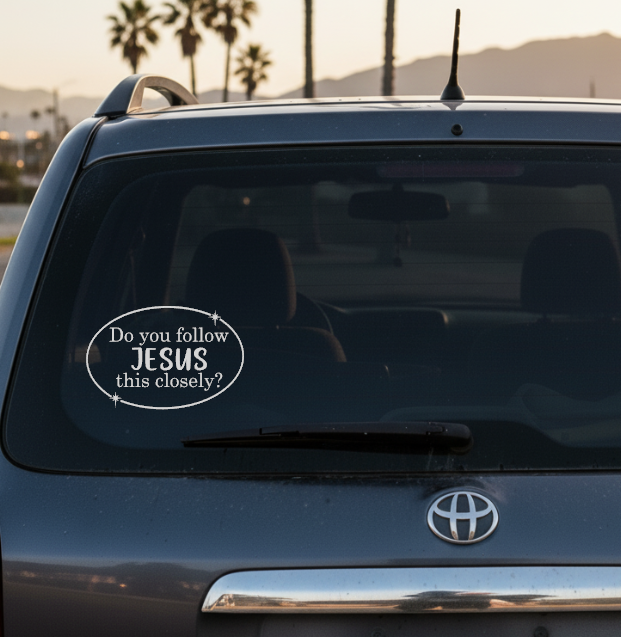

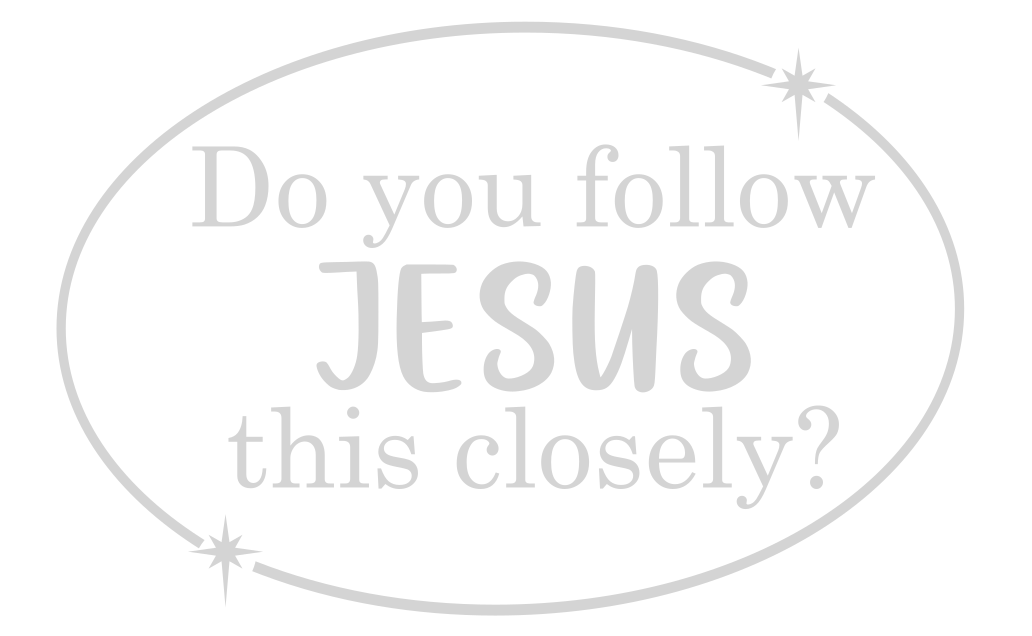
My kids have been very into car decals and bumper stickers lately. The other day, my seven-year-old saw a sticker that said, “Jesus loves you.” And I guess it really impacted him because he has brought it up almost every day since. Well, I decided to make my own version, though I guess mine is more silly than uplifting.
Not your taste? Well maybe one of my crafty friends can help! Check out these other free car decals.
Happy craftin!
Tell Your Dog I Said Hey! by We Can Make That
Check it out!

Just Breathe by Hello Creative Family
Check it out!
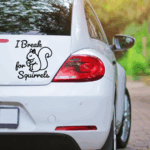
I Break for Squirrels by Harper N Co
Check it out!
Get in Loser We are Going Shopping by Gina C. Creates
Check it out!

Warning Singing Driver by Try It – Like It – Create It
Check it out!

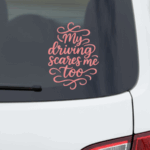
My Driving Scare Me Too by Dinosaur Mama
Check it out!
#momlife by The Scrap Shoppe
Check it out!

Never Say Never Minivan life by Sunshine and Munchkins
Check it out!

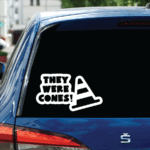
They Were Cones! By Crafting in the Rain
Check it out!
No Sense of Direction by Main Road Digital Creations
Check it out!

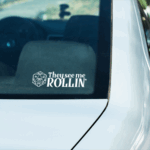
20 Sided Dice by Tried & True Creative
Check it out!

Just wondering what size you made this? and did you use removable or perm vinyl for the file? love it, i just asked my cousin if she would like one and she loves it, so guess i know what i’m making her for Christmas! thank you for sharing!
Thank you, Cathy! I would recommend permanent vinyl. I like using this waterproof vinyl. https://amzn.to/4itonDa
Size is going to depend on the size of your window and how much visibility you want. But I would probably recommend 6 inches wide. Hope that helps!
I am new to cricut and I love your car decal ” Do you follow Jesus this close” but I can’t figure out how to download or save to use with my cricut.
I make it so easy, most people get confused! The image you see above is an SVG file, which means you can just save that picture, upload it to your Cricut software, and it will know exactly what to do!